> For the complete documentation index, see [llms.txt](https://docs.faceverify.io/llms.txt). Markdown versions of documentation pages are available by appending `.md` to page URLs; this page is available as [Markdown](https://docs.faceverify.io/getting-started/quickstart.md).
# Quickstart
Choose the plan that best suits your needs, and click "Start" to begin creating your account.
{% hint style="info" %}
Already Created Account? Head Over to [Integration](/getting-started/integration.md) Section, to set your new integration
{% endhint %}
### Create Account
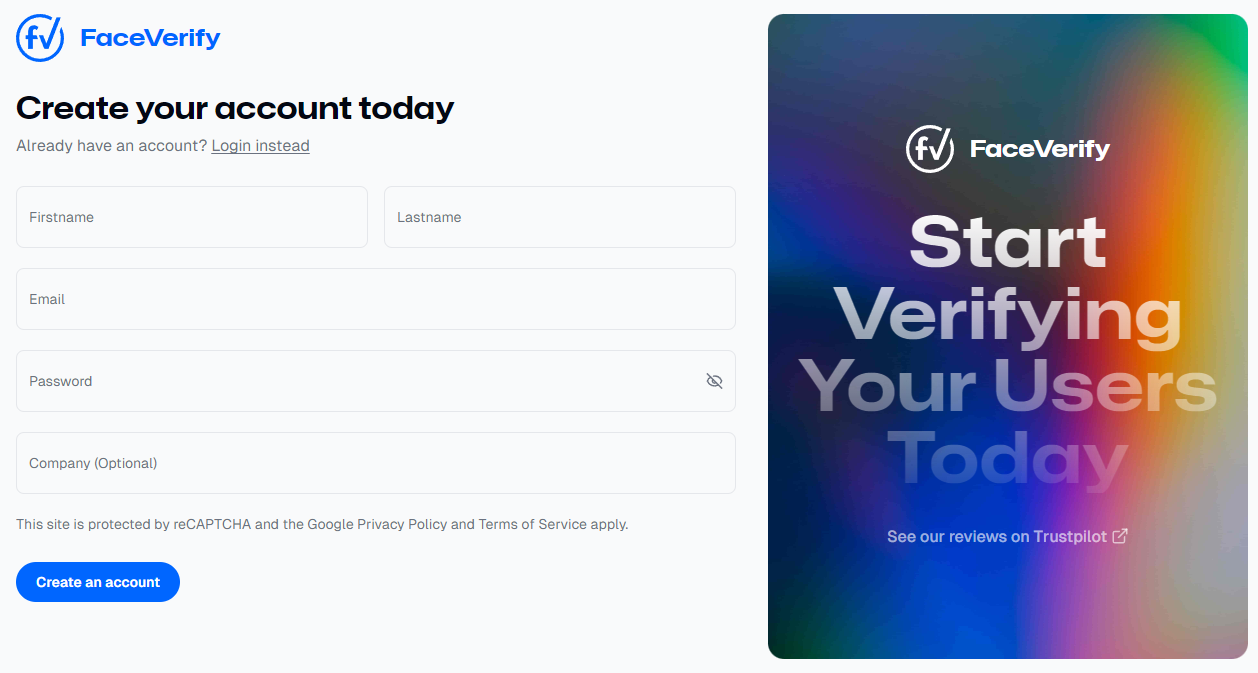
Creating a new account with FaceVerify is quick and simple! Just provide some basic information like your name and email, and you're all set to get started.